Examples of Qualitative Color Palette

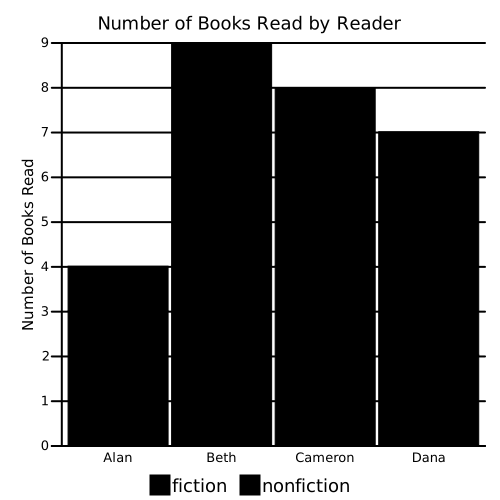

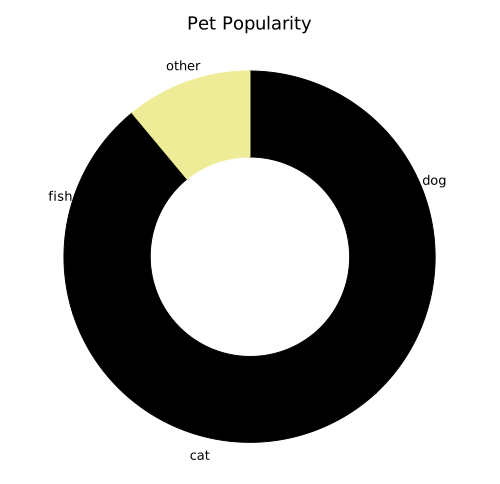
Qualitative data values are different categories or classes. This is often called nominal data, meaning that each value represents a named thing, rather than an ordered or numerical progression. For qualitative data, use a different hue for each item.)
TODO: list common qualitative / categorical value type examples widely used in Pearson
Examples of categorical data: courses, learning topics, schools, etc.
TODO: ask if there is or should be consistent color-coding for different topic areas (e.g math = orange, science = red, social studies = blue) and sub-colors within those categories. Could be good for symbology
Do not use different hues to represent elements of the same category. This may confuse or distract people with some cognitive disabilities, by implying a pattern or categorization that doesn't exist, thus increasing their cognitive load and even frustration in trying to understand this non-existent pattern.
Misuse of multiple colors also distracts from the message of the data visualization, and increases visual clutter.
Color may used to distinguish discrete items or related groups of items which do not have an intrinsic order, such as different courses of study, or different schools school systems within a district or countries on a map (when not ranking them by another criteria). For this purpose, a color palette (or set of specific colors) should follow perceptual guidelines: TODO: simplify this paragraph
Note that the Pearson branding color palette is not ideal for use with data visualization, because it isn't perceptually uniform. But if it's going to be used for qualitative charts, it should be consistent
Sequential data values are items that have ordered, numerical values, such as performance metrics.
Examples of sequential data: test scores, grades, rankings, performance times, class size, etc.
TODO: describe perceptual uniformity
TODO: describe sequential colors as shown in modified palette above
TODO: list common sequential value type examples widely used in Pearson
When color is used to represent an ordered sequence of data values, the color palette (or set of specific colors) should follow these perceptual guidelines:
TODO: show and explain RAG color palette

Diverging data values represent the deviation of the value in along a linear axis relative to a neutral midpoint. This midpoint may be zero, where the two poles are positive and negative, or some arbitrary average such as test scores, where the two poles may indicate how well or poorly a student performed. There may be an implied range of acceptable thresholds within the two poles, where the extremes are outside the acceptable range.
Examples of diverging data: individual test scores relative to the average, etc.
TODO: list common diverging value type examples widely used in Pearson
When color is used to represent an diverging set of data values, the color palette (or set of specific colors) should follow these perceptual guidelines:

Sometimes more than one data type is being represented in the same chart. For example, a bar chart might represent schools by the size of student population (the length of the bar), and also by region (the color of the bar). This is common, and can be used effectively. However, care must be taken to explain both signals: the sequential (the dependent variable axis labels) and the categorical (a color-coded legend), with a textual explanation in the title or caption.
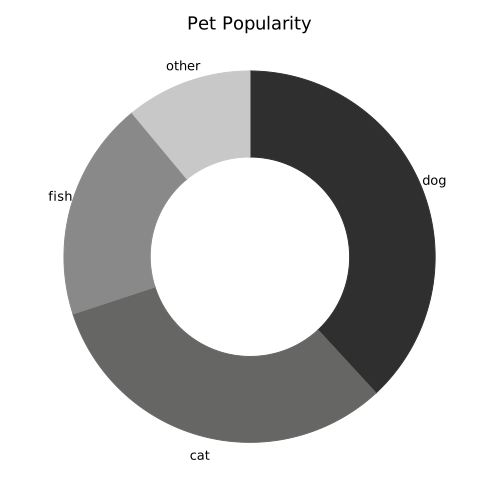
Normally, you should reserve a sequential palette for quantitative (not qualitative) values. However, when presenting qualitative data in a manner ordered by decreasing quantity value, it can be effective to use variations on the same hue for the categories. This also works well for people with decreased color vision and for printing in grayscale. Note: when combining darker and lighter colors, darker colors are typically associated with larger values, while lighter colors are associated with smaller values. Reversing or mixing the sequence of colors may cause confusion or misunderstanding in readers.

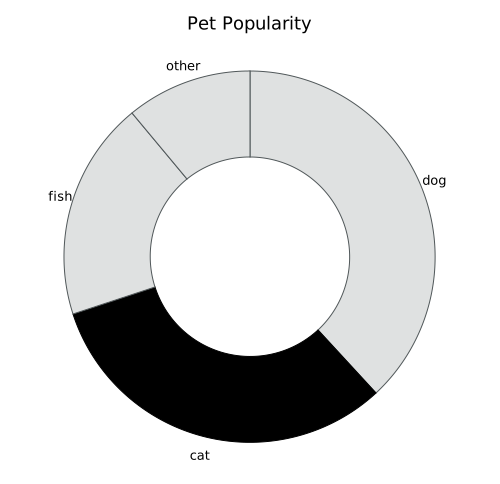
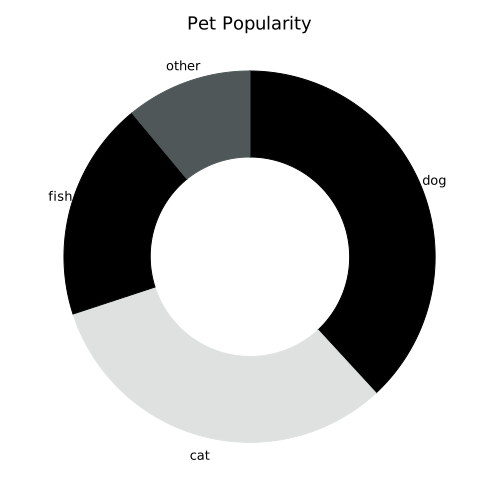
Uses for grayscale colors include display in media or devices without chromatic colors (e.g. print or e-ink devices), and de-emphasis of data points to contrast with accentuated data points.
For small nunbers of qualitative or sequential data, you can substitute grayscale colors on a white background for the chromatic colors. Normal human vision cannot reliably differentiate between more than a few shades of gray, so limit the palette to five colors, if possible.
Do not distinguish items by color alone, especially with the limited differentiation by achromatic colors. Consider using supplementary patterns or symbols where possible. Note that diverging data do not work well with a grayscale palette, so use of patterns or symbols may be necessary for visualizations of diverging data.
It is a good practice to assume that your data visualization may be printed on a grayscale printer, and to limit your use of color even for chromatic charts.

Note: For use in print, it is sometimes possible to use technologies such as SVG and CSS to specify special print colors, such as grayscale colors, that are selected specifically for grayscale print (rather than chromatic colors printed with only saturation and lightness, and no hue). Where possible, specify CSS print media rules for grayscale color palettes.
Often, it is good to reduce visual clutter and draw emphasis to key sections or data points by using lighter or heavily desaturated achromatic or chromatic colors for all other elements of a design.
Because of the convention that light grays denote a de-emphasized element, you should not use achromatic colors in combination with chromatic colors as part of qualitative or sequential palette. This may cause confusion to readers, including those with some cognitive disabilities, and it may be insufficient contrast for some readers with color blindness.
When using grayscale to de-emphasize elements, ensure that the grayscale and chromatic colors have distinct saturation and lightness (e.g. shades). Elements of the same or similar shades will be indistinguishable to people with decreased color vision, and when printed in grayscale.


TODO: more color examples
TODO: describe the semantics or meanings of colors, such as for RAG status charts (e.g. don't use reds to mean positive or go conditions)
For cartesian (X/Y) charts, always display both X and Y axes, with clear labels for numerical axis.
Visual clutter is disorganization in the collection of elements, or any unneccessary visual elements that don't directly contribute to the reader's ability to understand the information in a document or image. Visual clutter contributes to extraneous cognitive load, and may reduce the reader's task performance.
Clutter is the state in which excess items, or their representation or organization, lead to a degradation of performance at some task.
Independent axis (usually Y-axis) guide lines that extend the visual tick mark across the width of the chart may help some readers correlate datapoint position (e.g. bar height) with a specific value. This is especially true for younger readers who may draw an association with graph paper. Other readers may find such guide lines to be distracting visual clutter. Inclusion of guide lines is optional, and both approaches are acceptable.
Omitting or hiding axis lines or labels to reduce visual clutter reduces usability for many readers, especially younger readers or those with some cognitive disabilities, and may cause misinterpretation of the data. Always include axis lines, and always include axis labels for numeric axes. Axis labels for categorical axes are optional, if the chart title includes a clear description of what's being measured (i.e. the category type).


Use solid colors for fill and lines, and avoid patterns such as cross-hatches or dashed lines. Instead, use well-defined color combinations in(cludin grayscale) that are distinguishable by people with color disabilities, use distinct symbols where appropriate (e.g. as data points on line charts or scatter plots), or use different line thicknesses if necessary.
Note: Earlier accessiblity advice sometimes encouraged the use of patterned fills or dashed line patterns in data visualizations. This practice often makes charts more difficult to read, and significantly increases cognitive load or some people with cognitive disabilities. In addition, patterns that cross one another can produce visual effects that distort the data representation.
TODO: provide good and bad examples
An exception to this guidance is the limited use of patterned fills or strokes to indicate some qualitative exception, such as missing data, uncertain data, or future projected data. Reserve the use of patterns for this semantic data, rather than as a visual distinction.
The font family used in charts and diagrams should be consistent with the text on the containing page. Currently, this will typically be the sans serif typeface Open Sans, but may also be the serif typeface Playfair Display.
Limit the number of colors and styles used for labels in your chart or diagram. Avoid bold or italic text, unless it is intended to emphasize a particular feature. Text color should normally be distinct, contrasting, neutral grayscale colors, such as graphite gray, ink black, or chalk white.
As with any document, the size of text within a chart or diagram should reflect the hierarchical level of the label. For example, the title of the chart should be largest, followed by the axis labels, followed by the axis tick labels. At each level of hierarchy, the different labels should have a uniform size. For example, the labels for the X and Y axis should be the same size, and the labels for the axis tick labels values on both the X and Y axis should be the same (smaller) size.
Avoiding shrinking longer labels to fit, within the same hierarchical level. Instead, use a consistent font size for that level that fits all labels (or use abbreviations where appropriate).
Other labels outside a strict hierarchy, such as value labels, legend labels, or annotations, should match the closest appropriate font size (e.g. value labels should be the same size as axis tick labels).
Inconsistent font sizes can make it harder for the reader to construct a mental model of the structure of the chart.
Because images have their own internal font size, and because images can be displayed at arbitrary sizes, care must be taken that the image display size maintains an appropriate minimum font size. The smallest font size as displayed in the chart image should match the minimum font size specified in the Pearson style guide.
Note: For the purpose of this document, illustrative examples do not obey this font-size guidance. This is purposeful, to emphasize the salient feature of the chart being described. Where the understandability and perceivability of the data is important, use appropriate font sizes.
All images should have alt-text, that is, text that provides a brief, cogent summary of what the image displays. This is especially important for charts and diagrams.
At a minimum, the alt-text should contain:
In addition to alt-text, for more complex charts or diagrams, a longer text description should be provided that describes each step or aspect of the visualization, and how it is connected to other steps or aspects
If possible, the data itself should be in a structure, such as SVG or HTML, that can be navigated and explored by screen reader users.
Ideally, the chart should also include another view of the data, such as a data table, or a link to download the data in a spreadsheet format (such as CSV or Excel).
Optionally, the chart should also include citations or sources for the data.
TODO: provide examples for alt text and summaries
TODO: show examples of dashboard color usage
TODO: describe the use and misuse of animation
TODO: describe the most common chart types, what they should be used for, and layout guides for each
